![Logo_BW-1.png]](https://customers.seatti.co/hs-fs/hubfs/Logo_BW-1.png?height=31&name=Logo_BW-1.png)
After making a booking, you can “Report Incident” via the three dots on the right-hand side of the booking overview on the Seatti homepage.
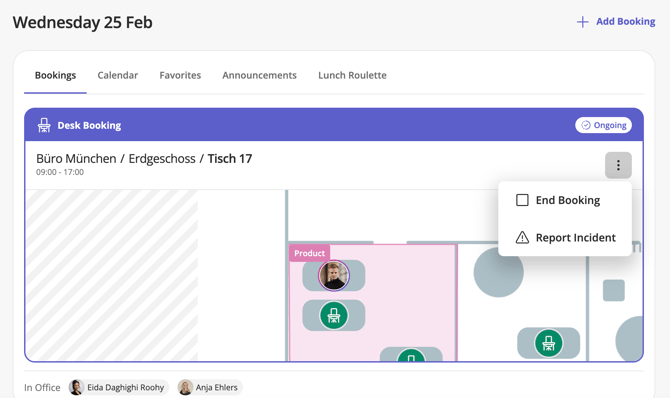
You will then be asked to describe the defect in more detail. Typical incidents include: “Workstation dirty,” “Monitor not working,” etc. Once you have described your case in more detail using keywords, click on “Submit”.
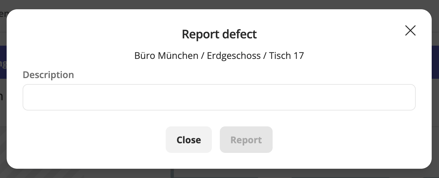
Your case will now be automatically forwarded by email to the Seatti administrator for the relevant area.